
 Click main image to view in full screen.
5S Audit Checklist for Manufacturing Companies – Excel XLSX
Excel (XLSX) + PowerPoint (PPTX) 28


BENEFITS OF THIS DOWNLOADABLE EXCEL DOCUMENT
- Score an audit in minutes, not hours -- 25 pre-built criteria with drop-down scoring and automatic totals, no spreadsheet setup required.
- See performance at a glance -- a live radar chart dashboard shows exactly which S needs attention, updating as you score.
- Prove improvement over time -- a built-in monthly trend tracker turns single audits into a visual track record for management reviews.
5S EXCEL DESCRIPTION
5S AUDIT CHECKLIST & PERFORMANCE TOOLKIT (FOR MANUFACTURING)
Score, visualize, and track your workplace 5S performance – without building the spreadsheet yourself.
The 5S Audit Checklist Toolkit is a comprehensive resource designed to help manufacturing teams evaluate and improve workplace organization. It features a PowerPoint presentation that defines the 5S principles—Sort, Set In Order, Shine, Standardize, and Sustain—while providing a visual guide for auditors. Accompanying this is an Excel worksheet containing 25 specific audit criteria that automatically calculate performance scores and ratings. Users can visualize their results through a live radar chart and monitor long-term progress using a monthly trend tracker. This toolkit is highly customizable, allowing managers to adjust the scoring language and criteria to fit their specific production environment. Ultimately, it serves as an efficient system for Lean and Six Sigma practitioners to maintain high operational standards without building complex spreadsheets from scratch.
Delivered as two files, ready to use immediately:
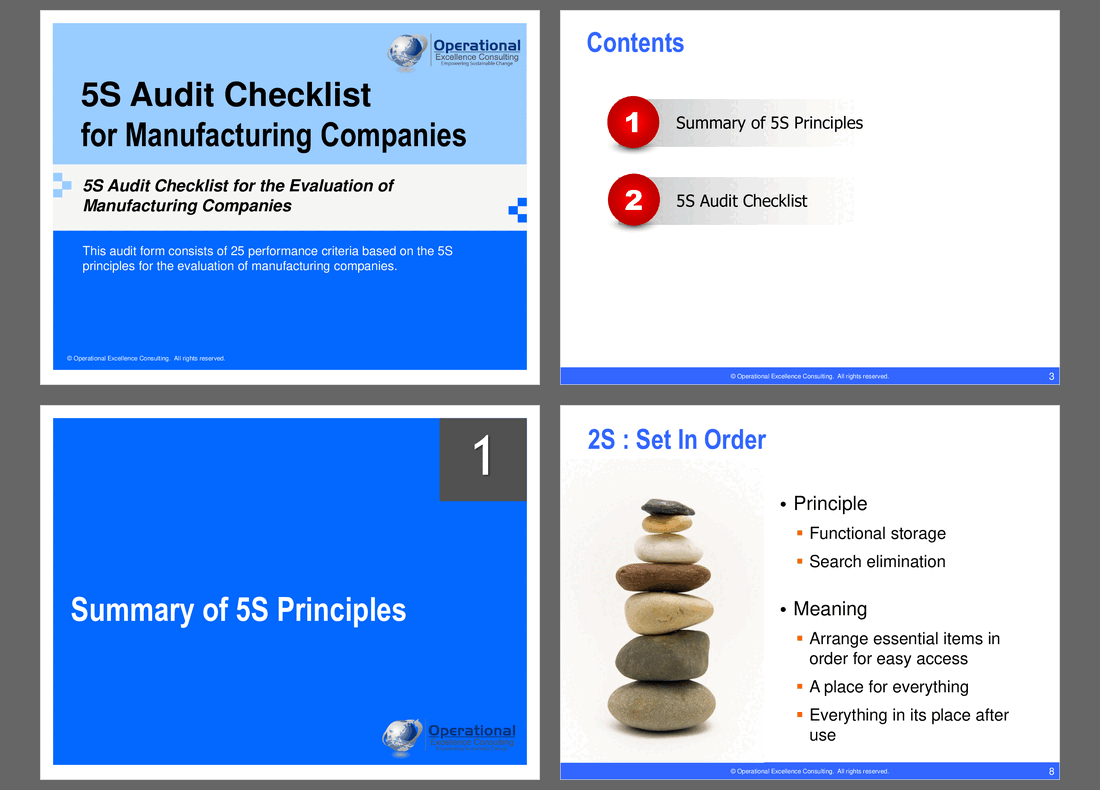
• 5S Audit Checklist (PPTX) – a 24-slide briefing and reference deck: the 5S principles explained, the scoring method, all 25 audit criteria laid out as clean printable checklist slides, a worked example, and native radar/trend charts for team reviews.
• 5S Audit Worksheet (XLSX) – the working audit tool: a 4-tab workbook (How to Use, 5S Audit Checklist, Score Dashboard, Monthly Trend Tracker) with drop-down scoring, automatic subtotals, an automatic 5S Rating, and a live radar chart that updates as you score.
WHAT'S INSIDE
PPTX – 5S Audit Checklist (24 slides)
• How to Use This Toolkit – a one-slide briefing for auditors before their first walk
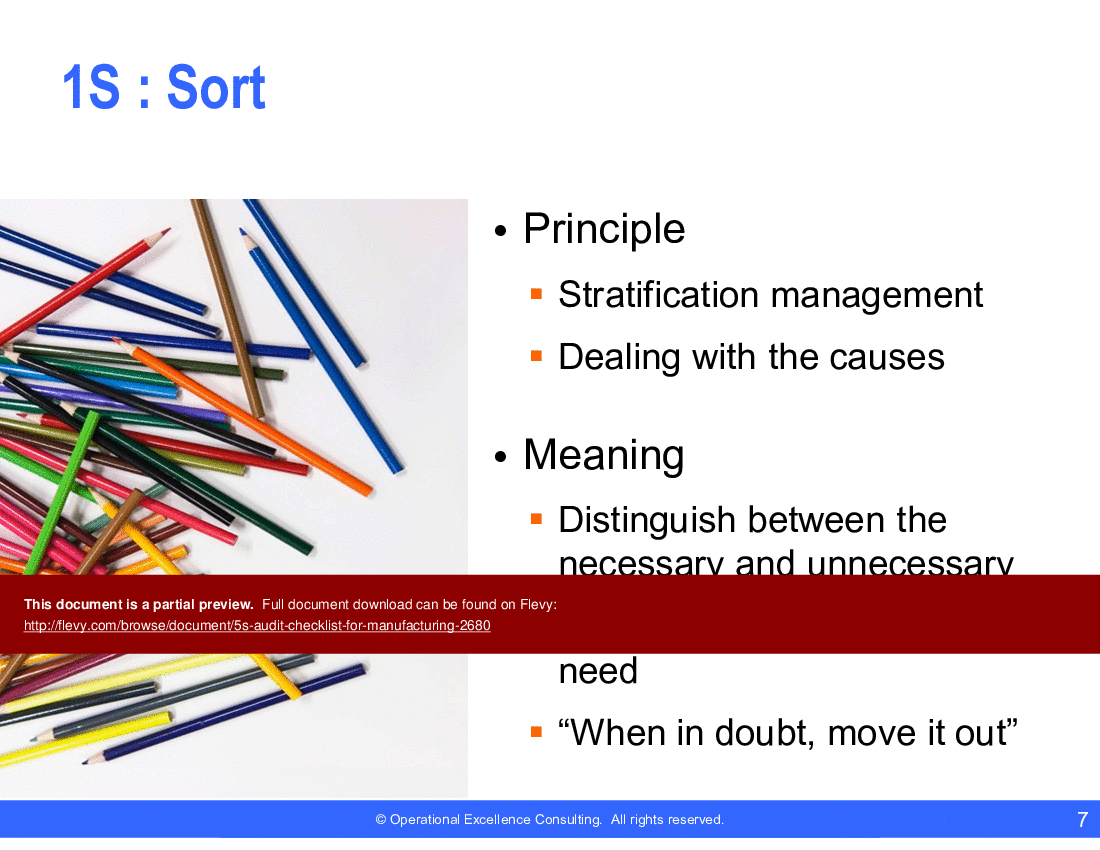
• 5S Principles Overview – What is 5S, plus one detail slide per S (Sort, Set In Order, Shine, Standardize, Sustain) with principle, meaning, and a memorable takeaway quote
• 5S Audit Scoring Guide – the 0–4 deviation scale explained visually
• 25-criterion audit checklist – 5 criteria per S, laid out as branded, print-ready scoring tables
• Score Meter – blank template plus a worked example
• Radar Chart of 5S Performance – native PowerPoint chart with a "how to read it" panel
• Monthly Trend Performance – native line chart showing how to track an area over time
XLSX – 5S Audit Worksheet (4 tabs)
• How to Use – step-by-step instructions plus scoring guide
• 5S Audit Checklist – the working form: drop-down 0–4 scoring on every criterion, automatic subtotals per S, automatic Grand Total (out of 100), and an automatic 5S Rating (Excellent / Good / Fair / Poor / Very Poor)
• Score Dashboard – a live-updating summary card and radar chart that mirrors whatever you've scored on the Checklist tab – no copy-pasting
• Monthly Trend Tracker – a running log with one row per audit and a native trend line chart, pre-loaded with 6 months of worked example data
All scoring cells are clearly marked (amber fill) and validated with drop-down lists, so there's no risk of a stray entry breaking a formula. Every subtotal, total, and rating is a real formula – edit the criteria wording or add rows and the workbook keeps calculating correctly.
WHO THIS IS FOR
Manufacturing plant managers, quality/EHS teams, Lean/Six Sigma practitioners, and consultants who run recurring 5S audits and want a consistent, presentable way to score, report, and trend results – instead of rebuilding a scoring spreadsheet or redesigning slides every audit cycle.
FREQUENTLY ASKED QUESTIONS (FAQ)
Can I edit the 25 audit criteria? Yes. Every criterion is plain text you can reword to match your own plant, product line, or industry – the worksheet's formulas reference cell position, not wording, so edits are safe.
Does the score dashboard update automatically? Yes. The Score Dashboard tab (radar chart, Grand Total, and Rating) pulls live from whatever you've entered on the 5S Audit Checklist tab – there's nothing to copy or refresh manually.
What do the scores mean – is a higher or lower total better? Lower is better. Each criterion is scored 0–4 based on deviations observed (0 = no deviations, 4 = constant deviations), so a lower Grand Total reflects stronger 5S compliance.
Can I track more than one area or run monthly audits? Yes. Duplicate the 5S Audit Checklist tab for each area or audit date, and log each audit's Grand Total on the Monthly Trend Tracker tab to build a running history and trend line.
What software do I need? Microsoft PowerPoint and Excel (2016 or later recommended for full formula and chart compatibility). Both files also open in LibreOffice and Google's Office suite with minor formatting differences.
Is this covered by a disclaimer for internal use? Yes – an approved-use and disclaimer slide is included in the PPTX, consistent with all OEC templates.
About Operational Excellence Consulting
Operational Excellence Consulting (OEC) is an elite Singapore-based management training and consulting firm specializing in Lean Thinking, Total Productive Maintenance (TPM), Total Quality Management, and Six Sigma. This identical toolkit represents the precise, battle-tested templates OEC's consultants deploy during formal corporate client engagements across Asia to build lasting continuous improvement capabilities.
Got a question about the product? Email us at support@flevy.com or ask the author directly by using the "Ask the Author a Question" form. If you cannot view the preview above this document description, go here to view the large preview instead.
TOPIC FAQ
What are the 5S principles and why should teams audit them regularly?
5S is a workplace standardization system focused on Sort, Set in order, Shine, Standardize, and Sustain to improve organization and safety. Regular audits help sustain those standards by identifying deviations and driving corrective actions; the reviewed checklist maps each principle to specific criteria across 25 evaluation items.How is a 5S audit typically scored and interpreted?
A common scoring approach uses a five-point scale where 4 = no deviations down to 0 = more than 6 deviations. Scores across 25 criteria produce a maximum of 100 points, which are interpreted via 5 bands (81–100 Excellent through 1–20 Very Poor), as used in Flevy's 5S Audit Checklist for Manufacturing Companies.How should I track 5S audit results over time to show improvement?
Consistent periodic audits (for example, monthly) with results entered into a worksheet allow visual tracking. Use a Radar Chart for current-area snapshots and a Monthly Trend Chart to show progress and recurring gaps over time; both chart types are provided in the Excel worksheet.Can 5S audit criteria be adapted for different manufacturing departments?
Yes. A practical checklist should allow modification of criteria to reflect department-specific equipment, layout and safety requirements. The described tool explicitly notes the audit criteria may be changed to suit specific needs and applied across all manufacturing departments.What should I look for when choosing a 5S audit checklist template?
Prioritize templates with a clear scoring scale, a defined number of evaluation criteria, adaptability for departmental needs, and built-in visualizations for reporting. Availability in both presentation and spreadsheet formats is useful for shopfloor display and data tracking—PowerPoint and Excel formats are recommended.How will using a template affect my Lean Daily Management routines?
A checklist integrated with an Excel worksheet and charts can feed your Lean Daily Management cadence by providing repeatable scores and visual outputs for daily or monthly review meetings. The worksheet supports visual outputs that can be printed and displayed on shopfloor Activity Boards as part of routine governance.How can a 5S checklist support preparation for external audits or compliance reviews?
An objective, criteria-based audit generates documented scores and trend evidence that demonstrate sustained workplace organization. Mapping audit results into performance bands and maintaining monthly trend records helps show continuous control and improvement, such as achieving higher scores within the 81–100 band.What’s the best way to present 5S audit findings to shopfloor teams?
Use simple visual tools that workers and supervisors can interpret quickly: a Radar Chart for area strengths/weaknesses and a Monthly Trend Chart to show direction of change. Print or post these visuals on Activity Boards for discussion during daily or weekly huddles, using the Excel worksheet outputs.Source: Best Practices in 5S, Audit Management Excel: 5S Audit Checklist for Manufacturing Companies Excel (XLSX) Spreadsheet, Operational Excellence Consulting
ABOUT THE AUTHOR

Operational Excellence Consulting, founded in 2009 by Allan Ung, draws from extensive experience at Microsoft, IBM, and Underwriters Laboratories (UL). We specialize in strategy deployment, customer experience design, and operational excellence, applying Design Thinking, Lean, and Systems Thinking to maximize customer value and minimize waste.
Our
... [read more]
Ask the Author a Question
You must be logged in to contact the author.




























